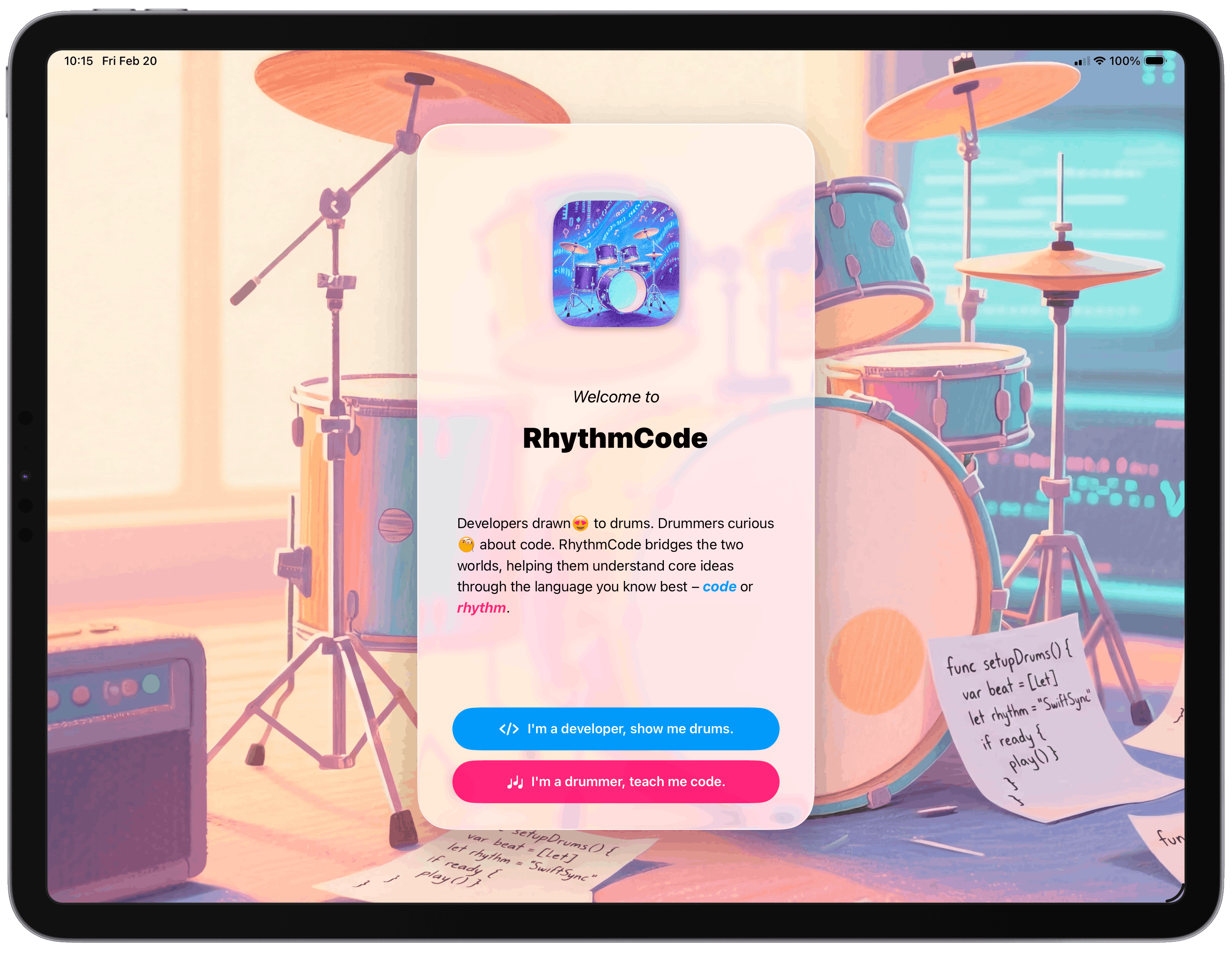
Drummers curious about code. Developers drawn to drums. RhythmCode bridges the two worlds through interactive AR experiences and hands-on Swift lessons.
From AR placement to code execution — every moment is designed to teach and delight.
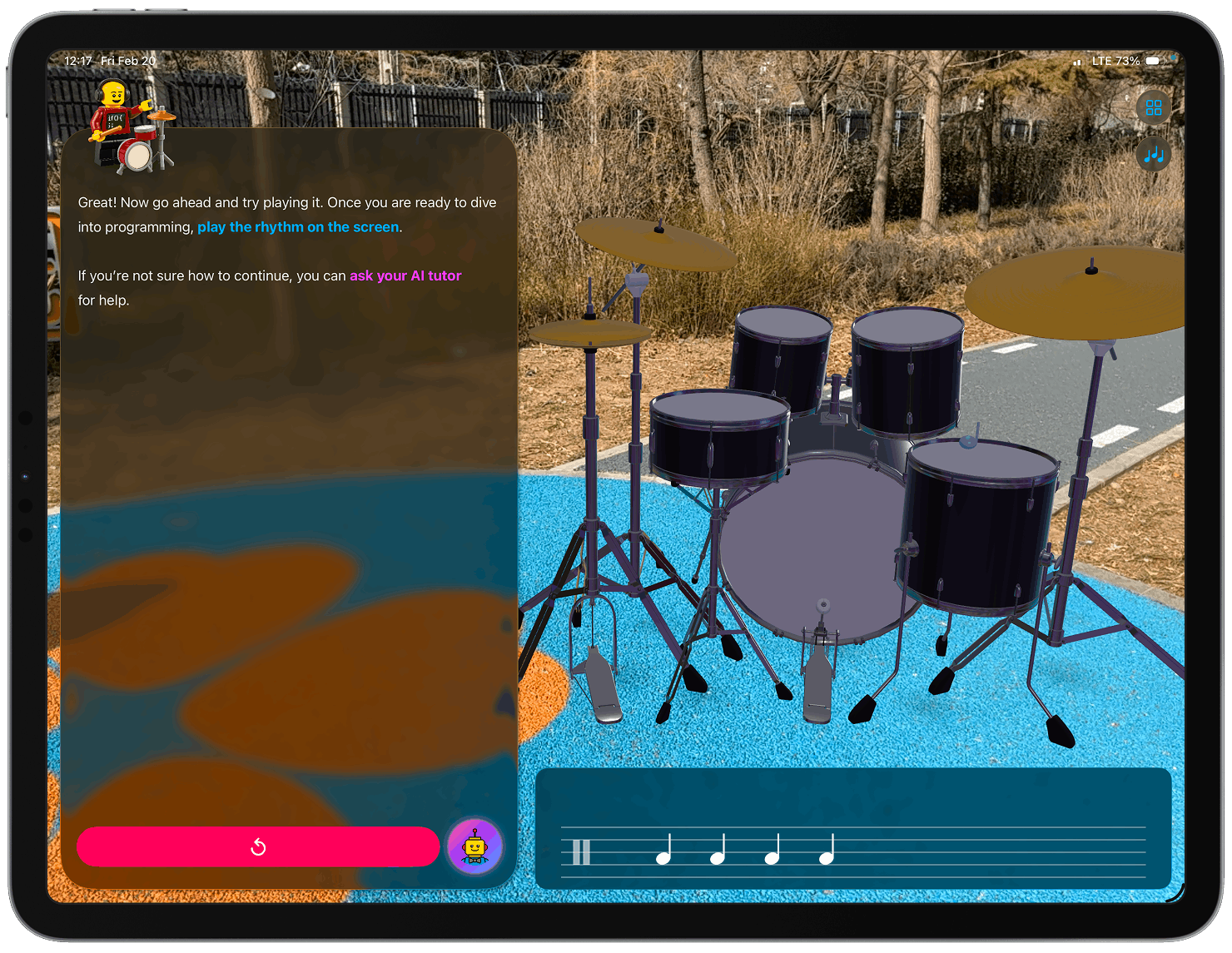
Place and interact with a full 8-piece drum kit in augmented reality.
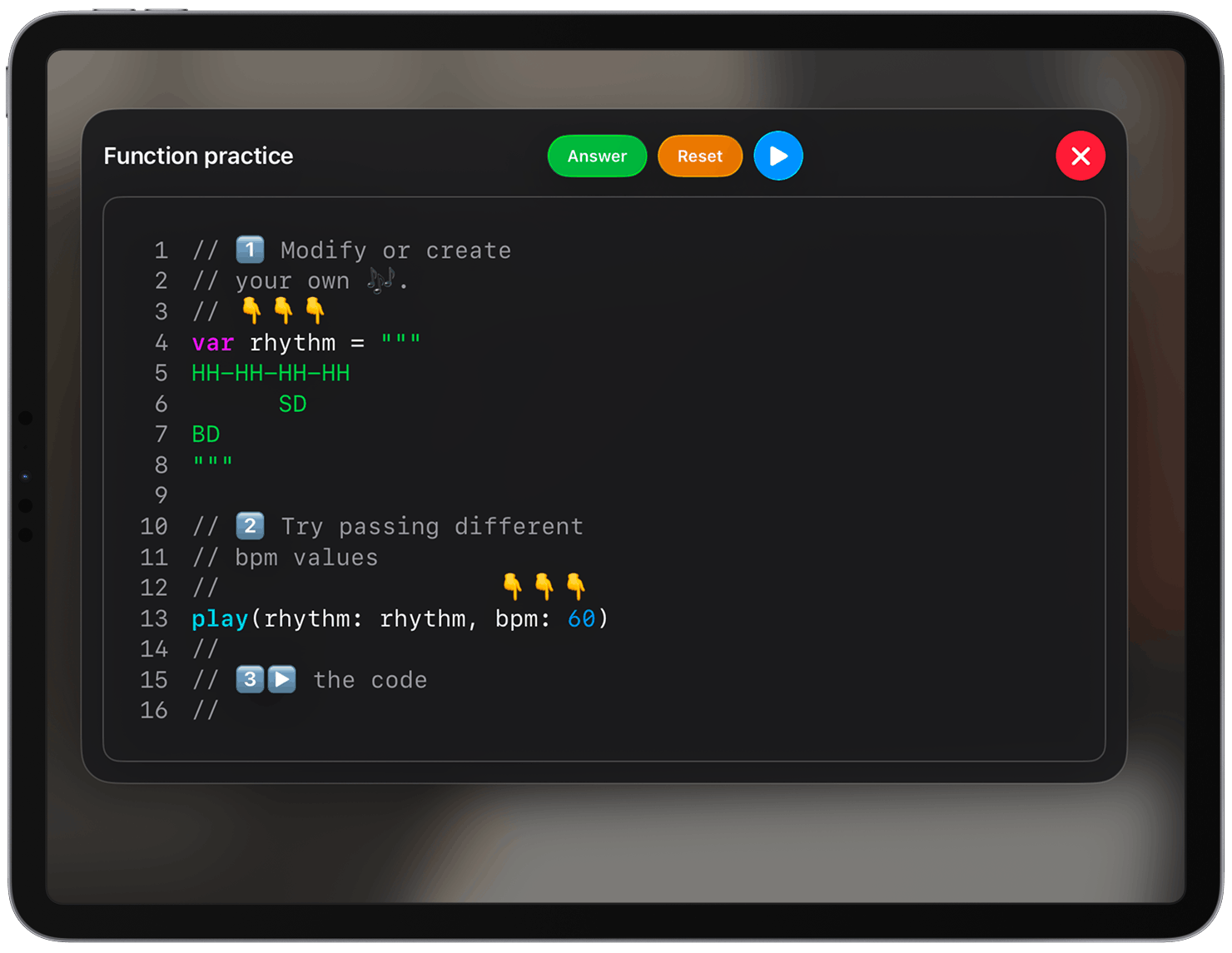
Write Swift code and see drum notation rendered in real time.
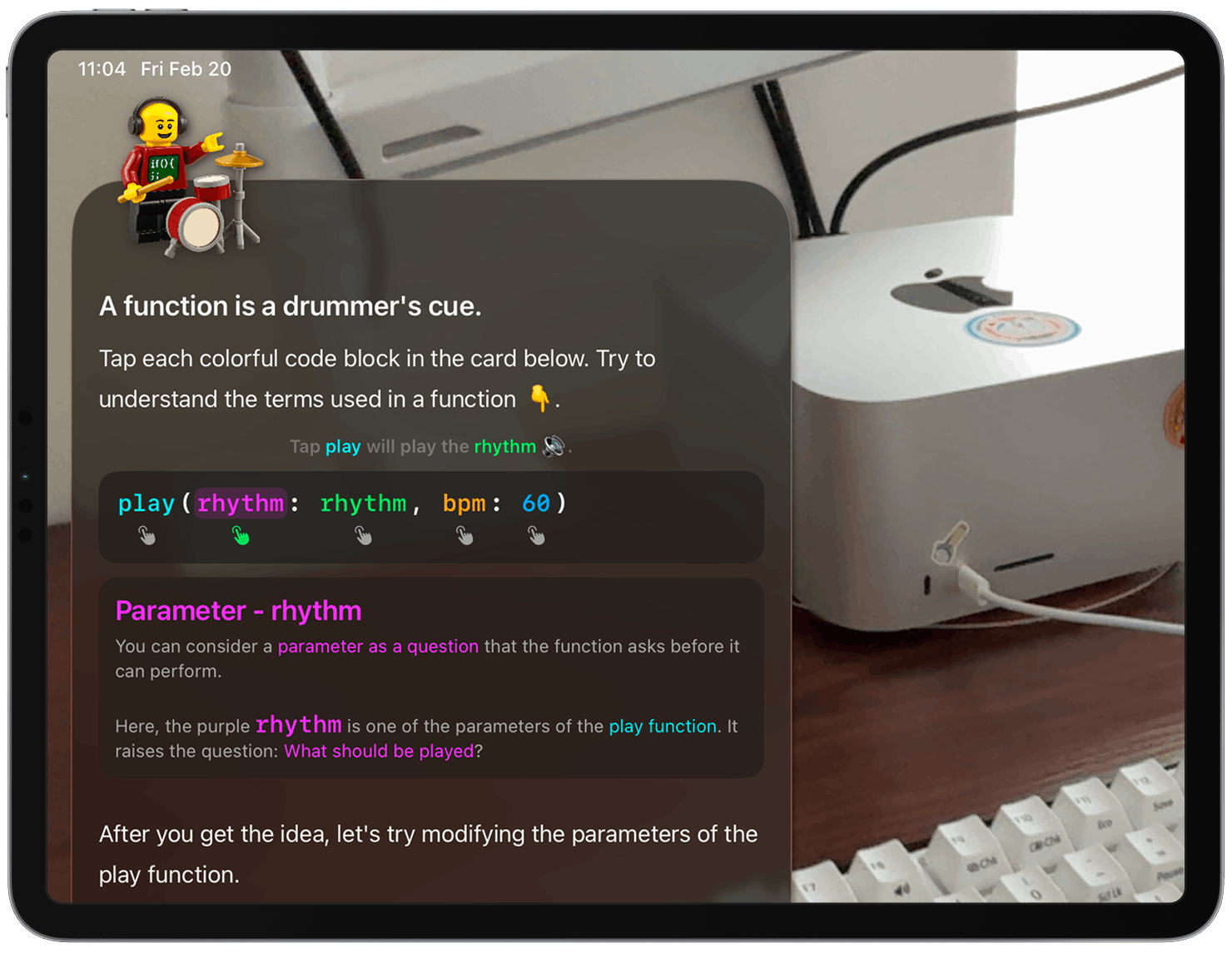
Tap color-coded segments to understand function parameters and arguments.
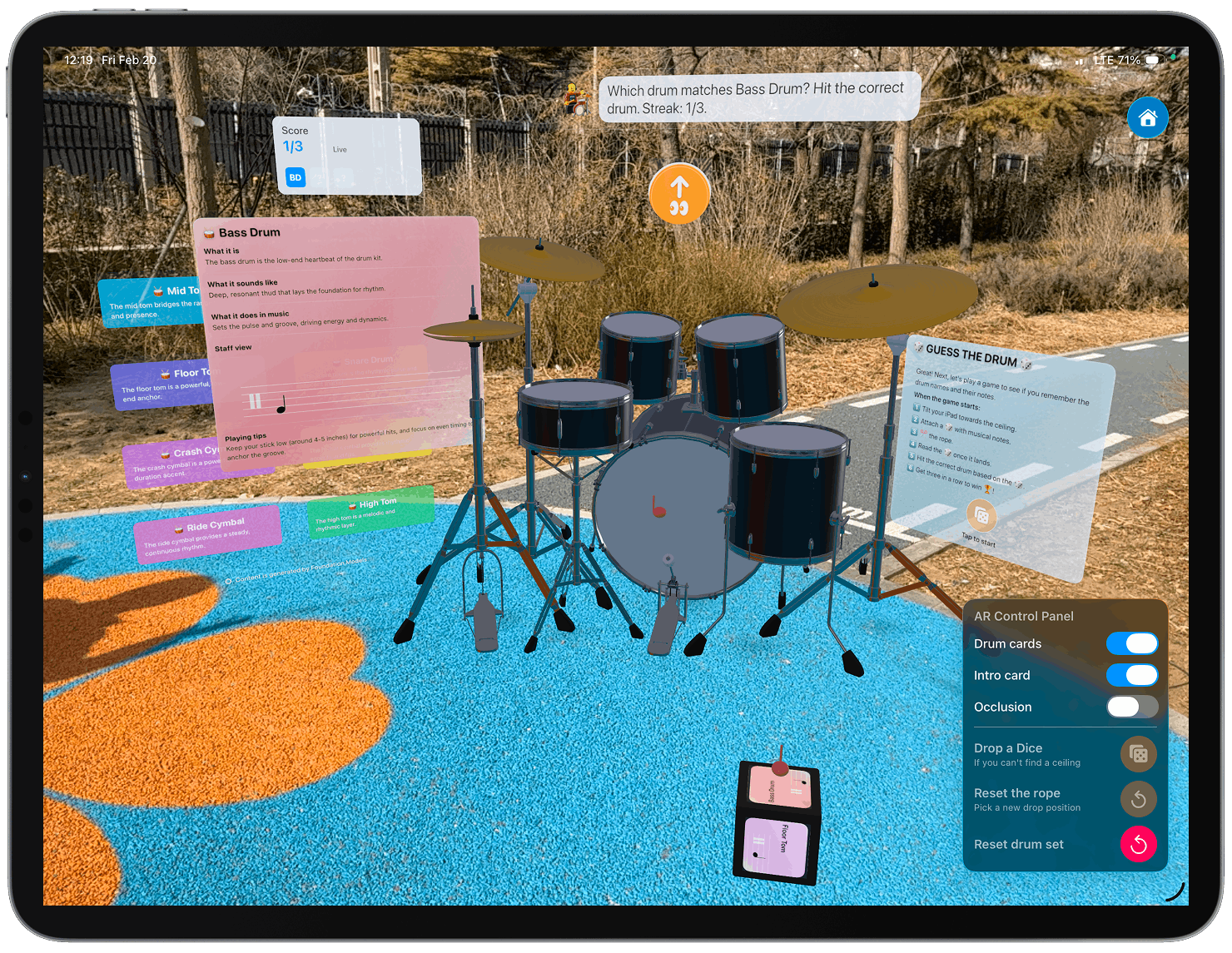
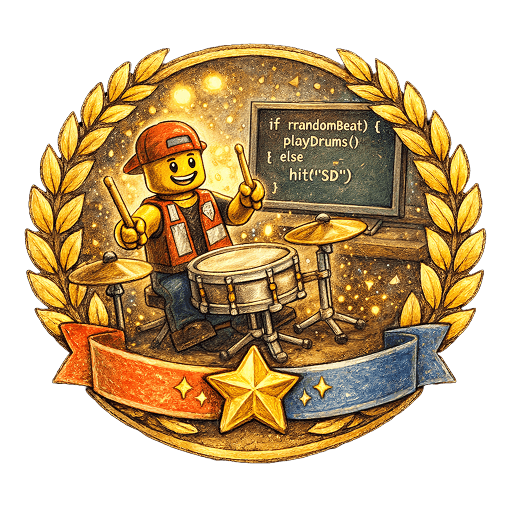
A physics-based rope-cutting dice game that tests your drum notation knowledge.
Whether you think in beats or in bytes, RhythmCode meets you where you are.
Learn Swift fundamentals through what you already know — rhythm and notation. Variables become drum notes. Functions become rhythms. Loops become repeat signs.
How do you represent a drum note in Swift?
Wrap a rhythm into a reusable Swift function.
Repeat signs become while loops. Volta brackets become if.
Explore a full AR drum kit. Tap, listen, and learn drum notation through an immersive hands-on tutorial with a physics-based dice game.
A full-featured learning experience powered by AR, AI, and real-time code execution.
Place a virtual 8-piece drum kit in your room with RealityKit. Tap each drum to hear real sounds. Billboard labels float beside each piece with AI-generated descriptions of what it is, how it sounds, and how to play it.
Write real Swift code with syntax highlighting, instant parsing, and playback. See your code become music in real time.
A custom-built drum notation renderer. Noteheads, stems, beams, time signatures, repeat signs, and volta brackets — all from code.
A wooden dice hangs from the ceiling on a rope. Swipe to cut it, watch it roll across the drums, and guess which drum face lands up.
After each lesson, programming concepts float as a rotating 3D tag sphere in AR. Tap any tag to reveal its definition and see it come to life.
Rhythmix, your on-device AI tutor powered by FoundationModels, answers questions and guides you through each lesson.
Apple Intelligence runs entirely on-device via FoundationModels. No user data ever leaves your iPad — your learning journey stays completely private.
Between the art kids and the techies. Between the stage and the screen.
Coding often feels like a cold, intimidating brick wall. I wanted to turn that screen into a stage. Instead of dry syntax, you write var kick = "BD" and realize you're just picking up a drum mallet. Functions become rhythm patterns. Loops become repeat signs. The abstract finally feels as tangible as a pair of drumsticks.
Music notation can look like ancient hieroglyphics — until you see it through the logic you already live in. Rhythm rows become string literals. Tempo becomes a function parameter. Watching your code tap an AR drum and compile into professional notation is the ultimate lightbulb moment.
Replace dusty textbooks with something kinesthetic. With an on-device AI tutor and a 3D kit sitting right in your room, students aren't just studying — they're moving. Whether a total Swift beginner or someone who's never touched a drum, RhythmCode is the bridge. Not just a lesson — a jam session.
var like a drum you can swap out mid-song — its value can change. let is like a drum bolted to the floor — once set, it stays.
||: :|| is just like a while loop. Both say "play this section again."
An on-device AI instructor that speaks both rhythm and code, built with Apple's FoundationModels framework.
Knows which lesson you're in and adapts explanations to your current step.
Runs entirely on Apple Intelligence — no data leaves your iPad.
Generates follow-up questions so you always know what to explore next.
Accessibility has been a priority from day one — across motion, visuals, interaction, and feedback.
Button("Play")
.accessibilityLabel("Play bass drum")
.accessibilityHint("Double tap to play")
.accessibilityAddTraits(.isButton)
Over 100 descriptive labels and hints cover every drum, notation element, and code action. A dedicated companion panel in the Developer Tutorial lets VoiceOver users explore all 8 drums without ever touching the AR view.
UIAccessibility.post(
notification: .announcement,
argument: "Build succeeded"
)
Every meaningful event speaks aloud — step transitions, "Build succeeded", inline error locations, drum exploration progress, and dice game outcomes — so users always know what just happened.
guard !UIAccessibility
.isReduceMotionEnabled
else { return }
// start parallax animation
The welcome screen's gyroscope parallax animation is automatically disabled when Reduce Motion is turned on — no unnecessary movement for users who need a calmer experience.
RhythmCode explores Apple technologies — from ARKit to on-device intelligence.
"Programming is music, written in logic."
Compile RhythmCode.swiftpm in Xcode, run on your iPad and start your journey where rhythm meets code.